A tenant moves out on Friday. The next resident arrives Monday. Somewhere between the final inspection, cleaning appointment, and new lease, the landlord has to make sure the right people can enter the property, and former occupants cannot.
With traditional keys, that often means collecting copies, arranging rekeying, and coordinating access with contractors. A smart lock can simplify parts of that process, but only when its permissions are managed correctly.
Smart locks for rental properties allow authorized users to unlock doors using methods such as PIN codes, mobile credentials, or compatible electronic keys. Depending on the model, landlords can issue separate credentials, remove outdated access, and reduce dependence on physical key exchanges.
The benefit isn’t simply eliminating keys. It’s creating a reliable system for everyday entry, tenant changes, and unexpected problems.
Before upgrading a rental home, landlords should consider who controls the lock, how access is transferred, and what happens when the technology fails.
A Rental Property Has Different Access Needs Than an Owner-Occupied Home
A homeowner might share a smart lock with family members for years. A landlord must account for changing occupants, maintenance appointments, and separate responsibilities.
Tenants need dependable access to their homes without unnecessary monitoring or interference. Landlords need a lawful way to coordinate authorized entry and maintain the property.
Those needs are related, but they aren’t identical.
For a single-family rental, a keypad deadbolt may provide sufficient convenience. A property with several independently rented units may require more careful credential administration.
Short-term accommodations can introduce additional turnover and guest-management requirements, subject to local rules and platform policies.
The appropriate system depends on the rental arrangement rather than the number of features advertised.
PIN Codes: The Simplest Way to Stop Passing Around Keys
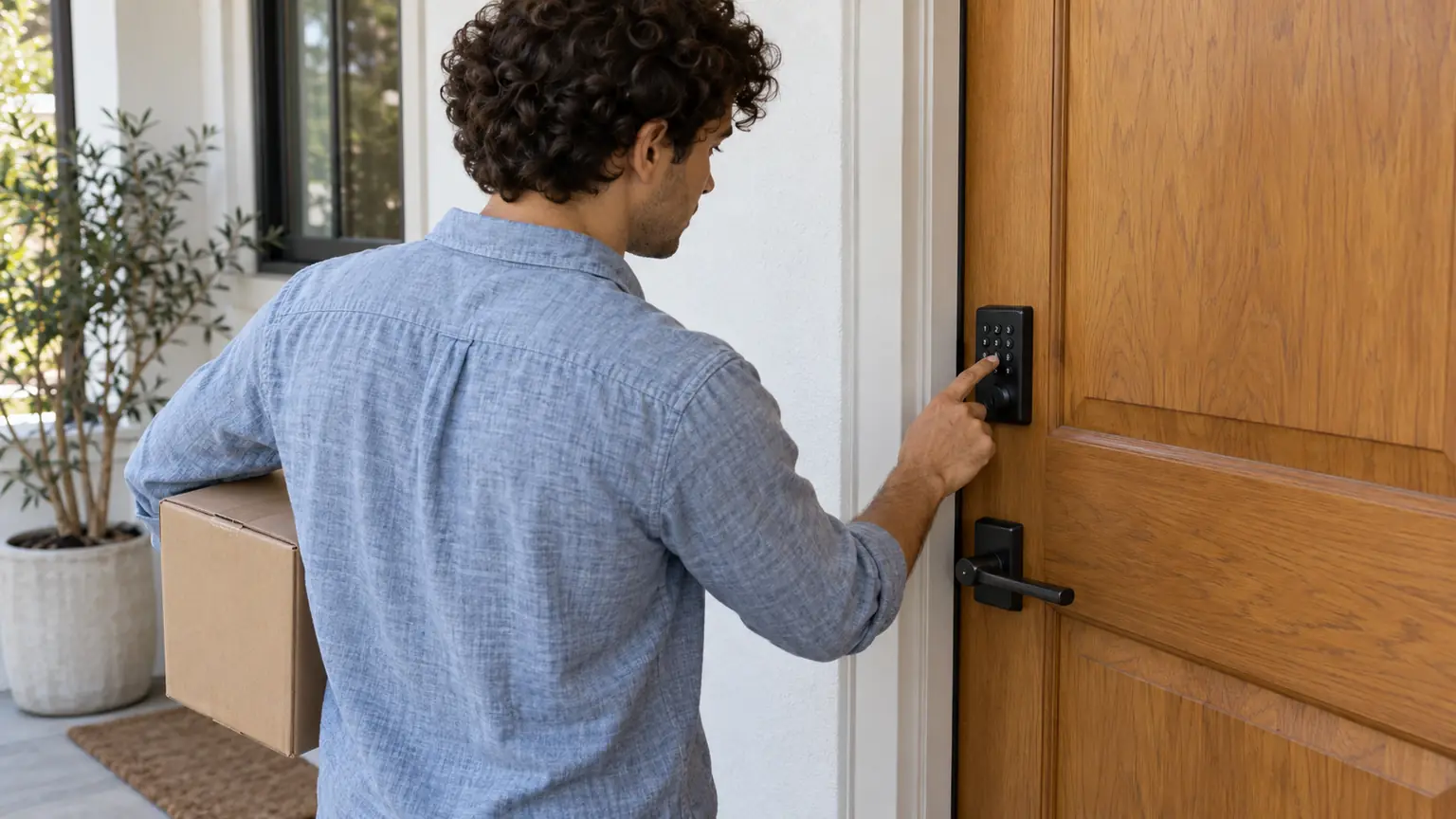
Keypad locks are often attractive to landlords because residents can enter a code instead of carrying a metal key.
A suitable model may support several individual PINs, allowing authorized occupants to use different credentials.
This makes it easier to change one person’s access without necessarily changing everyone else’s.
Consider a rental home occupied by two unrelated tenants. If one moves out while the other remains, separate credentials can support a more controlled transition.
Shared PINs are less flexible.
When several people know the same code, management cannot reliably determine who used it. Removing one person’s access may require changing the code for everyone.
Where supported, unique credentials are preferable to a single permanent household code.
Choose codes that aren’t easily guessed, and avoid using predictable combinations such as the property’s street number.
Mobile Access: Convenient, but Not Essential for Every Tenant
App-connected smart locks can offer features beyond a physical keypad.
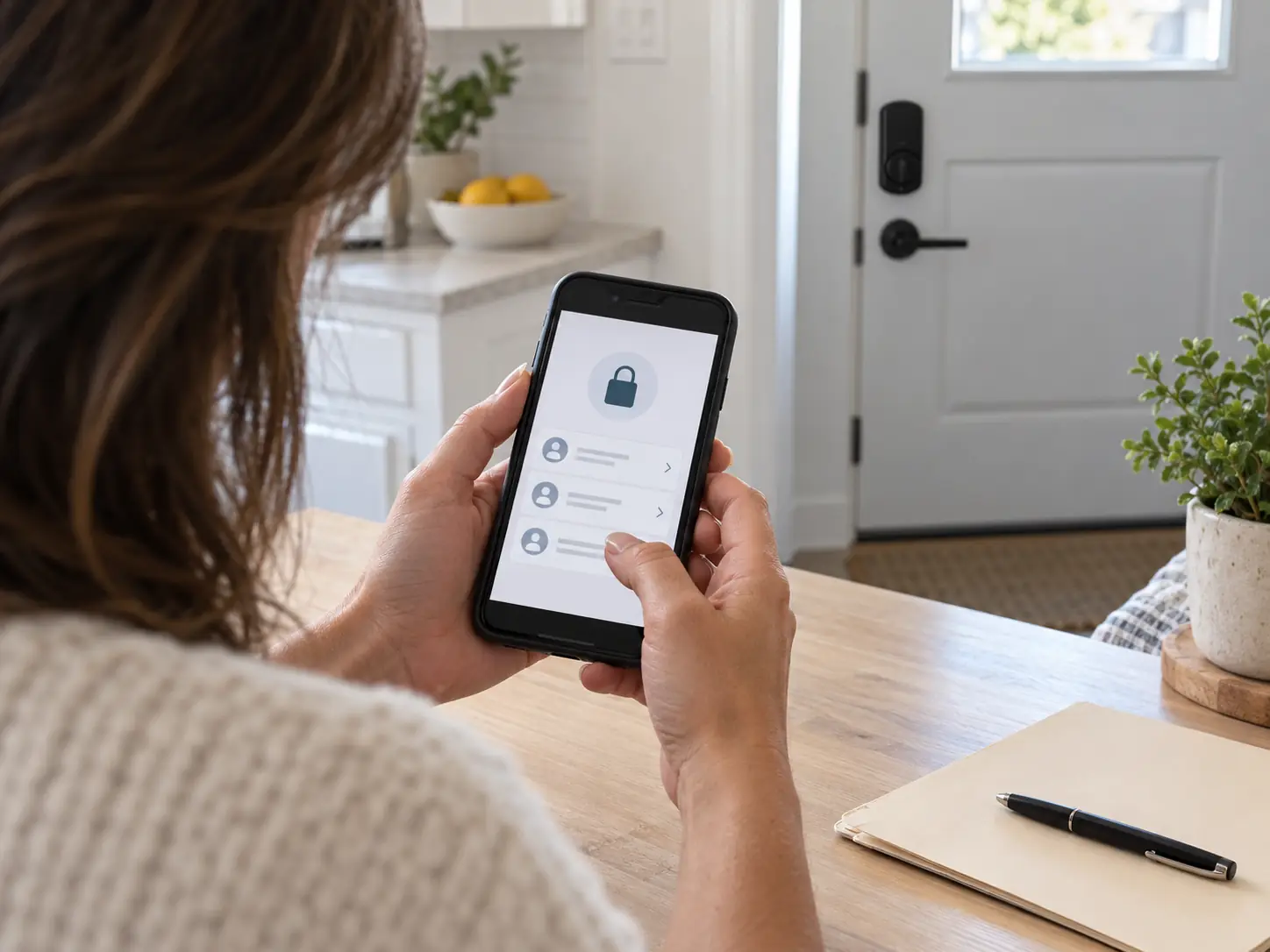
Depending on the product, authorized users may lock or unlock the door through a smartphone, receive status notifications, or manage credentials remotely.
For landlords with properties spread across different locations, remote administration can reduce some routine visits.
However, mobile access introduces additional considerations.
Not every tenant wants to install a property-related application on a personal phone. Some residents may have older devices, limited connectivity, or accessibility needs.
An app may also depend on a vendor account, supported operating system, and compatible connectivity hardware.
A practical rental property smart lock should offer an appropriate access method for every authorized resident.
Mobile convenience should be an option, not an unnecessary barrier to entering someone’s home.
Choosing the Right Entry Method
| Access method | Practical advantage | What landlords should consider |
|---|---|---|
| Individual PIN | Easy to issue and change | Code sharing and keypad security |
| Mobile credential | Convenient supported remote management | Device compatibility and account access |
| Physical key backup | Familiar fallback when supported | Key copies and rekeying requirements |
| Temporary credential | Useful for authorized short-term access | Expiration settings and revocation |
| Fingerprint access | No code to remember | Enrollment, privacy, and alternative entry |
Not every smart lock offers all these methods.
A straightforward keypad deadbolt may be more appropriate than a complex connected product when remote management isn’t needed.
Tenant Turnover: Where Smart Locks Can Save Administrative Work
The most useful moment to evaluate access control is often between tenancies.
When a resident leaves, landlords need to establish which credentials remain active.
For a properly configured electronic lock, that may involve disabling the departing tenant’s code and issuing a different one for the next occupant.
But changing the keypad code isn’t necessarily the entire turnover process.
If the lock also has a mechanical key cylinder, old physical keys may still operate it.
Some models store multiple user codes, temporary permissions, or administrator credentials that require separate review.
A reliable turnover procedure should therefore cover every available entry method.
A Move-Out Access Checklist
- Confirm the tenancy has ended and possession has been lawfully returned.
- Review existing user codes and electronic credentials.
- Remove permissions that are no longer authorized.
- Change administrative credentials when appropriate.
- Address mechanical key access through rekeying or replacement if necessary.
- Test the new resident’s access before handover.
This process helps avoid both unauthorized access and accidental lockouts.
Who Should Control the Smart Lock Account?
Account ownership is one of the most overlooked issues in rental property smart lock management.
A lock may be physically installed on the landlord’s door while its administrator account belongs to someone else’s email address.
That can create problems when tenants change, property managers leave, or devices need resetting.
Before installation, decide who is authorized to administer the system and how access will be transferred.
The arrangement should be consistent with the lease, applicable law, and the tenant’s rights.
For example, an owner-managed account may support maintenance of the property, but it should not become a means of unrestricted entry or unnecessary observation.
Document administrator access, recovery procedures, and credential handover without exposing passwords or sensitive account details.
Use individual administrator accounts and multifactor authentication when the platform supports them.
Temporary Codes for Cleaners and Contractors
Landlords frequently need to coordinate access for repairs, inspections, and turnover services.
A compatible smart lock may support temporary or scheduled codes.
This can be useful when an authorized contractor needs entry during a defined appointment.
However, a temporary code is not permission to enter an occupied rental whenever convenient.
Access still needs to comply with the lease, notice requirements, and applicable landlord-tenant law.
For California rental properties, Civil Code Section 1954 governs many circumstances involving landlord entry, including permissible purposes and notice requirements.
Electronic access does not override those protections.
Issue temporary credentials only when access is authorized, and remove them once the legitimate need ends.
Avoid leaving contractor codes active indefinitely.
Tenant Privacy Matters as Much as Door Security
Connected locks can sometimes record events such as locking, unlocking, or credential use.
Those features may help troubleshoot a device, but they also raise privacy questions.
A landlord should not assume that the ability to view an entry log creates an unrestricted right to monitor a tenant’s movements.
Access records should be handled according to applicable law, lease obligations, and a clear, legitimate purpose.
Residents should understand which features are active, who can access information, and what happens to their credentials after moving out.
For many long-term rentals, a simpler keypad system without extensive monitoring features may be entirely adequate.
More data isn’t automatically better management.
What Happens if the Wi-Fi Stops Working?
A smart lock’s dependence on internet connectivity varies by model.
Many keypad locks can verify stored codes locally even when home Wi-Fi is unavailable.
Bluetooth-based features may also work within supported range without an active internet connection.
Remote unlocking, cloud notifications, and credential updates may require connectivity.
The key distinction is between local entry and remote administration.
Before purchasing a lock, ask which functions continue working offline and which do not.
Don’t assume that every connected smart lock becomes unusable during an internet outage.
Equally, don’t assume every feature will remain available.
The product’s documentation should explain its actual behavior.
Dead Batteries and Backup Entry
Most residential electronic smart locks use batteries, making battery maintenance an essential part of rental operations.
A depleted battery can interrupt electronic unlocking even when the door’s mechanical hardware remains intact.
Some models provide low-battery warnings, external emergency power contacts, or mechanical key overrides.
Others use different recovery procedures.
Landlords should select a model with a realistic backup plan and explain that plan to authorized residents.
Battery replacement responsibilities should also be clear.
If a tenant reports repeated low-battery warnings, a sticking bolt, or unreliable keypad operation, investigate promptly rather than treating the problem as user error.
A smart lock is only convenient while it remains dependable.
Installation Quality Can Matter More Than Smart Features
A lock with excellent software can still fail on a poorly aligned door.
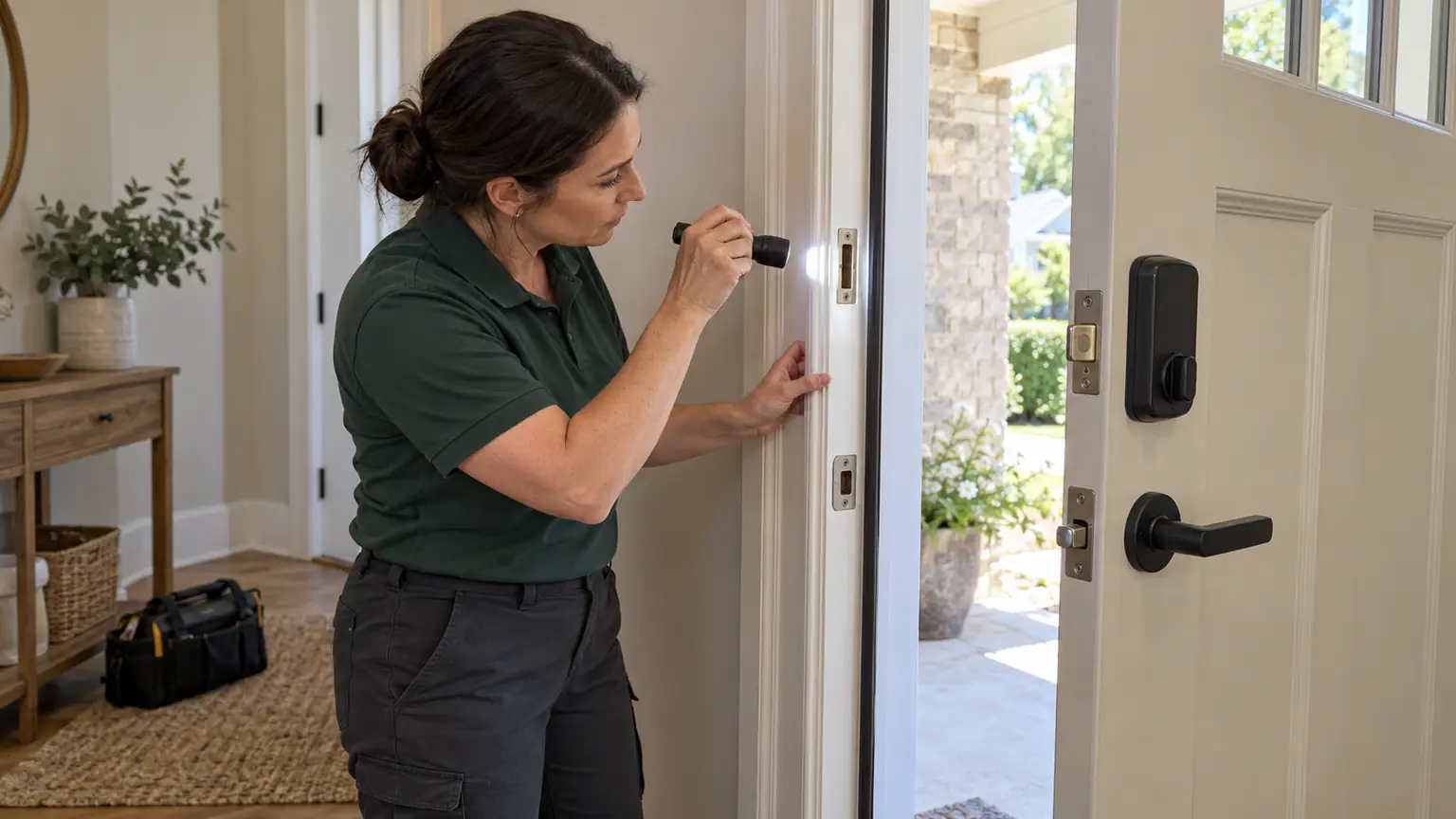
Electronic deadbolts need the bolt to move freely into the strike opening.
If a rental property’s door has shifted, the frame is damaged, or the existing strike is misaligned, the motor may struggle to operate.
Repeated resistance can contribute to unreliable locking and increased battery consumption.
Door thickness, backset, handing, and existing bore preparation also affect compatibility.
Before buying several identical locks for different properties, confirm that each door can accommodate the hardware.
Lock & Key Pros offers smart lock installation for supported residential doors, including evaluation of fit, alignment, electronic setup, and backup entry.
When Rekeying Is Better Than Installing a Smart Lock
Electronic access isn’t necessary for every rental property.
If the existing lock works reliably and the main concern is that previous occupants may possess keys, rekeying may solve the immediate problem.
Rekeying changes the compatible lock cylinder so old keys no longer operate it.
It doesn’t add PIN codes or remote access, but it can restore mechanical key control without replacing suitable hardware.
A landlord should compare the actual access problem with the proposed upgrade.
If a lock is damaged or unsuitable, replacement may be appropriate.
If managing multiple authorized users is the main challenge, a supported smart lock may offer meaningful advantages.
Lock & Key Pros provides lock rekeying services for landlords and property managers when existing hardware is compatible.
How Much Do Smart Locks for Rental Properties Cost?
The cost extends beyond the device itself.
A landlord may need to account for hardware, professional installation, door adjustments, connectivity accessories, software subscriptions, batteries, and future maintenance.
A lock with remote management may require a compatible hub or an ongoing service plan.
Properties with different door types may also require different hardware.
Instead of comparing only product prices, estimate the total cost of ownership.
Ask whether the proposed system requires paid features to create temporary codes, manage multiple users, or administer access remotely.
A simple lock with fewer recurring expenses may be the better choice for a long-term rental.
Five Questions to Answer Before Upgrading
A practical purchasing decision starts with the property, not the product catalog.
Who will use the door? Count tenants, authorized occupants, and any legitimate service users.
How often will access change? Frequent turnover may make individually managed credentials more useful.
Does the tenant need an app? Consider whether keypad access should remain available.
What happens when power or connectivity fails? Confirm the manufacturer’s backup procedures.
Who maintains the system? Establish responsibility for batteries, repairs, software accounts, and credential administration.
These answers help identify which features are necessary and which would only complicate daily management.
Frequently Asked Questions
Are smart locks good for rental properties?
They can be useful when landlords need manageable credentials, convenient tenant access, and reliable turnover procedures. Suitability depends on the property and lock model.
Can landlords change smart lock codes between tenants?
Many models allow codes to be changed or removed. Landlords must also consider other active credentials and any mechanical keys.
Can a landlord unlock a tenant’s smart lock remotely?
Some products technically support remote unlocking, but a landlord’s legal authority to enter an occupied rental remains governed by applicable law and lease obligations.
Do rental property smart locks need Wi-Fi?
Not necessarily. Many keypad functions operate locally, while remote features may require internet connectivity.
Should every rental unit use the same PIN?
No. Unique credentials provide better control and make it easier to revoke access without affecting unrelated occupants.
Make Rental Access Easier Without Compromising Control
The best smart lock for a rental property is one that residents can use reliably and landlords can administer responsibly.
Individual codes, mobile credentials, and temporary access can reduce everyday key-management work. But they should be supported by clear authorization rules, tenant privacy protections, mechanical reliability, and backup entry procedures.
Before choosing hardware, determine how the door is used, who needs access, and what must happen during tenant turnover.
Lock & Key Pros provides compatible residential smart lock installation, rekeying, and lock replacement services.
Explore smart lock installation options or contact the company to discuss your rental property’s door hardware and access requirements.
- #smart locks
- #landlords
- #rental properties